How to cull burst photos from a track day without zooming into every frame
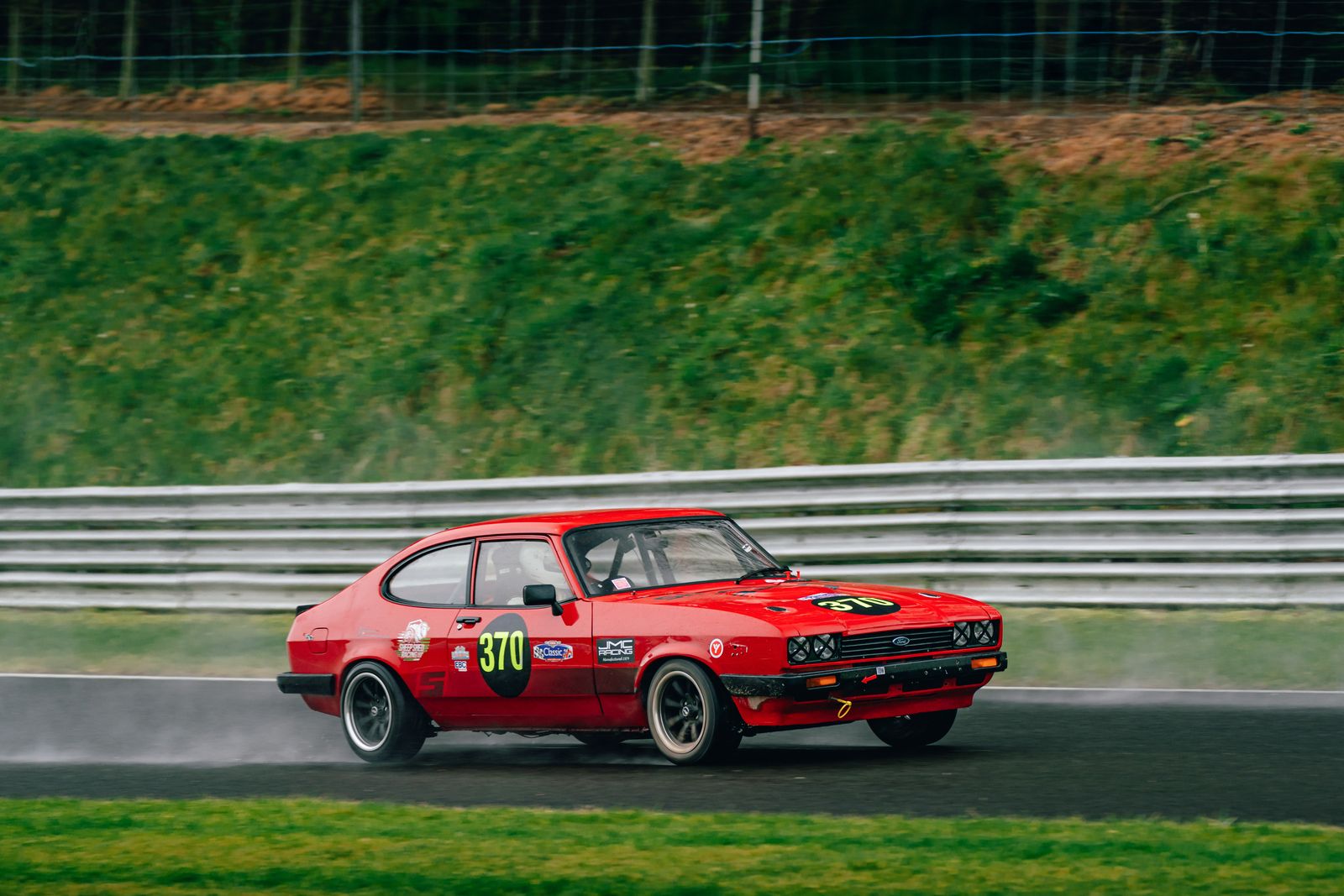
At a circuit you hold the shutter down because you have to. You cannot predict the exact moment the wheel catches the kerb or the helmet turns towards you, so you fire a burst and sort it out later. The trouble is that “later” is a desk, a laptop and several thousand frames that differ from each other by a few centimetres of tarmac.
This is about that part: getting bursts down to keepers quickly, and checking focus without zooming into every single image. It works with whatever software you already use. I’ve written separately about the wider trackday cull — panning, what owners buy, delivery — so this one stays on the mechanics.
Treat a burst as one decision, not ten
The single biggest change you can make is mental. A burst of eight frames of the same car through the same corner is not eight photographs to judge. It is one question: which of these is the frame? Everything else in the burst is a reject by default, unless you have a specific reason to keep a sequence.
Most slow culls come from judging each frame on its own merits. You look at frame three, decide it’s quite good, flag it, then find frame five is better, and now you have two picks and have to go back. Multiply that across a day and the evening disappears.
Group first, judge second
- Use capture time. Frames in one burst are fractions of a second apart. A gap of more than a second or two almost always means a new pass. Lightroom, Photo Mechanic and most viewers can sort by capture time, and some can stack by time gap automatically — worth turning on.
- Stack, don’t scroll. If your software can collapse each group into a stack, do it. You want to see one tile per pass, open it, choose, close it.
- Ignore the camera’s burst counter. Holding the button through two cars produces one “burst” in the file numbering and two passes in reality. Group by what’s in the frame, not by how long your finger was down.
Check focus without zooming into everything
Focus is where the time goes. The honest test is 100% on the subject, and doing that two thousand times is miserable. The way round it is to only do it on the frames that survive the rougher passes.
- First pass at fit-to-screen: reject the obvious. Car half out of frame, marshal in front, the wrong car, a pan that went badly wrong. You don’t need 100% to see these, and they are a good chunk of any burst.
- Second pass: compare within the burst at a middle zoom. Somewhere around 50% on a decent screen shows you which frame in a group is the sharpest relative to its neighbours. You’re not asking “is this sharp?”, you’re asking “which of these is sharpest?” — a much quicker judgement.
- Only then go to 100%, on the chosen frame only. Look at the right place: the badge, the number board, the edge of the headlight, the helmet visor. Not the background, which in a pan is meant to be soft. More on reading sharpness here.
- Use a focus-point overlay if you have one. Several viewers can show where the camera actually put focus. A point sitting on the grass behind the car tells you the answer before you zoom.
At screen size a modern sensor downsamples so heavily that a frame focused a metre behind the car can still look crisp. That’s why the first pass is only for obvious rejects, never for picking the sharpest.
What to look for when choosing the one frame
Once focus is settled between two or three candidates, the choice is about the picture rather than the pixels:
- Position in the frame. Space ahead of the nose. The car pressed against the leading edge looks like a mistake.
- The wheel. If you shot slow enough for spoke blur, choose the frame where it reads clearly. If the wheels look frozen, the frame looks parked.
- The driver. A visible helmet turns a car photo into a photo of someone driving. Owners buy that one.
- Clean edges. Catch fencing, cones and marshals creep in at the edges between consecutive frames. Check corners before you commit.
- The moment. Lifted wheel, kerb strike, spray, a second car close behind. If one frame in a burst has something happening, it usually wins over a technically cleaner neighbour.
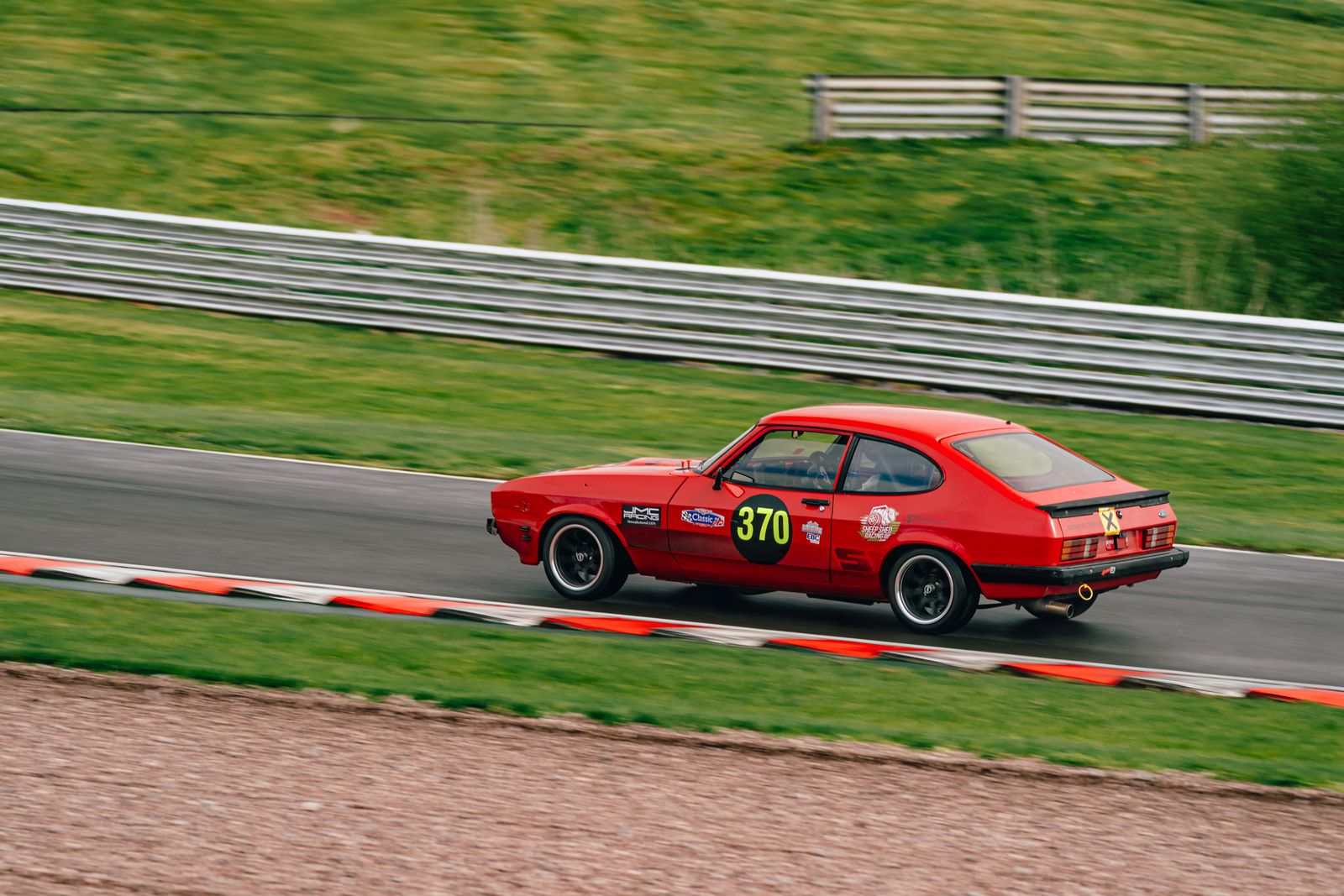
Keyboard habits that save the most time
None of this is clever, but the mouse is slow and the habits add up over a few thousand frames:
- One key to pick, one to reject, auto-advance on. In Lightroom that’s P and X with Caps Lock on. Most culling tools have an equivalent.
- Don’t star on the first pass. Stars ask for a second, finer judgement. Flags are a yes or no; save grading for the keepers.
- Never delete during the cull. Rejects get set aside, not removed. You will occasionally want the frame either side of a hero for a sequence, and deleting at speed is how good frames vanish.
- Cull by car if you can. Comparing a burst against other bursts of the same car is faster than switching subject every few seconds.
Set up the shoot so the cull is easier
A few choices at the circuit change the evening:
- Shorter bursts. Four or five frames timed through the apex usually catches the moment. Holding down for fifteen mostly gives you more of the same.
- Fixed corners per session. If you know session two was all from one corner, grouping is trivial.
- A frame of something else between sessions. A shot of the timing board or your shoe gives you a visible divider in the timeline.
- Correct camera clock. If you shoot with two bodies, sync them. Mixed clocks wreck capture-time grouping.
Where Vantage fits
Vantage is our app, so take this with that in mind. It does the grouping step for you — stacking near-identical frames, which catches most bursts, into groups with a proposed hero — and in car mode, when it chooses between frames in a burst, it compares sharpness on the car rather than across the whole frame, so a pan isn’t marked down for its blurred background. You still make the final call in each group; it just means you start from one suggested frame per group instead of from the whole card. It’s in beta, and on difficult frames — a car half behind fencing, a pan very slightly off — it can be generous, so treat it as a first pass rather than the final word.
Try it on your next shoot
Vantage runs on your own Mac or PC — your originals never leave your machine unless you choose to back them up. Free to start, and it’s in beta, so you’ll be shaping it.
Download Vantage See pricingCommon questions
How do you cull burst photos quickly?
Treat each burst as one decision. Group frames by capture time so each pass of a car is one stack, reject the obvious failures at screen size, compare the rest within the burst at a middle zoom, and only check the chosen frame at 100%.
How do I check focus without zooming into every photo?
Use passes. Reject obvious failures at fit-to-screen, compare frames within a burst to find the relatively sharpest, then check only that one at 100% on the subject. A focus-point overlay, if your viewer has one, often answers the question before you zoom.
Should I delete rejected burst frames straight away?
No. Set them aside rather than deleting during the cull. You may want the frames either side of a hero for a sequence, and deleting at speed is how good frames get lost.