Blurring number plates: when to do it, and how to stop it eating your evening
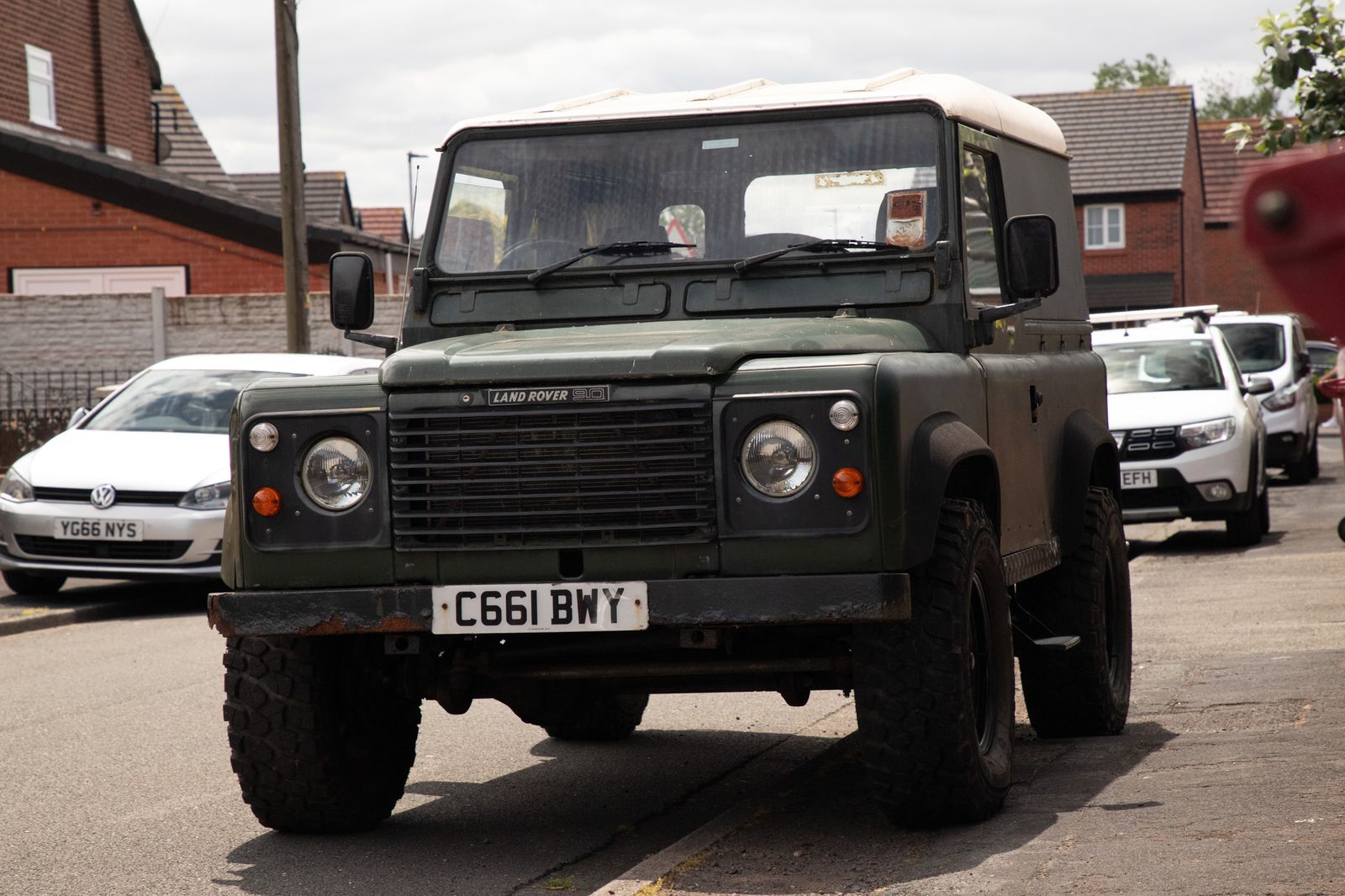
If you photograph other people’s cars, you will eventually have to decide what to do about the registration. Get it wrong in the cautious direction and a dealer complains their listing looks odd. Get it wrong the other way and you’ve published a customer’s plate, in a dated photograph, on the open internet.
Most photographers deal with this by not thinking about it, which works until it doesn’t. Here’s a practical way to think about it, and how to make it a thirty-second job rather than an hour in Photoshop.
When the plate should go
- Private sellers. A private advert with a clear plate tells anyone who cares exactly what the car is, where it is and roughly when. Blur it.
- Desirable or personalised registrations. A private plate is a transferable asset with real value. Owners of anything cherished usually don’t want it broadcast, and some are quite firm about it.
- Customer cars on your own social feed. The car belongs to someone who didn’t ask to be identifiable. Blur by default unless they’ve said otherwise.
- Anything with a person in shot as well. Plate plus face plus location is more than any of them alone.
When the plate should stay
- Trade listings, often. Many dealers prefer the plate visible — it looks less like something’s being hidden, and buyers use it to run a history check. Ask; don’t assume either way.
- Motorsport. Race numbers and competition plates are the point.
- When the owner is proud of it. Plenty of classic owners want their registration shown, because it’s part of the car’s identity.
A number plate identifies a vehicle, and in the right hands a vehicle identifies a person — which is why a lot of photographers treat plates as personal information and default to blurring for consumer-facing work. That’s a sensible working position rather than legal advice; if you shoot at volume for commercial clients it’s worth getting a proper opinion on your specific situation and writing the answer into your contract.
The bit that actually costs you time
The decision takes a second. The labour is the repetition. A dealership day is six cars at twelve to twenty frames each, and the plate appears in most of the exteriors. That’s sixty or seventy individual blurs, each needing you to zoom in, select, feather and match the blur strength so it doesn’t look like a smudge.
Doing it by hand has two failure modes, and both happen when you’re tired: you miss one, or you rush and it looks obviously botched. Missing one is the expensive mistake.
What good automatic plate handling needs
- Detection you can see. Software that silently blurs is software you can't check. You want a list of what it found, with a thumbnail of each plate, so you know it caught all four and not three.
- Per-photo override. The dealer's own trade plate on the forecourt, or a registration the owner wants shown, needs to be un-blurrable without turning the feature off for the whole set.
- A blur that looks deliberate. A clean, evenly-applied blur reads as a professional privacy choice. A hand-smeared one reads as damage.
- Applied at export, not to the original. Your master files should keep the plate. If the client changes their mind you re-export rather than reshoot.
How Vantage handles it
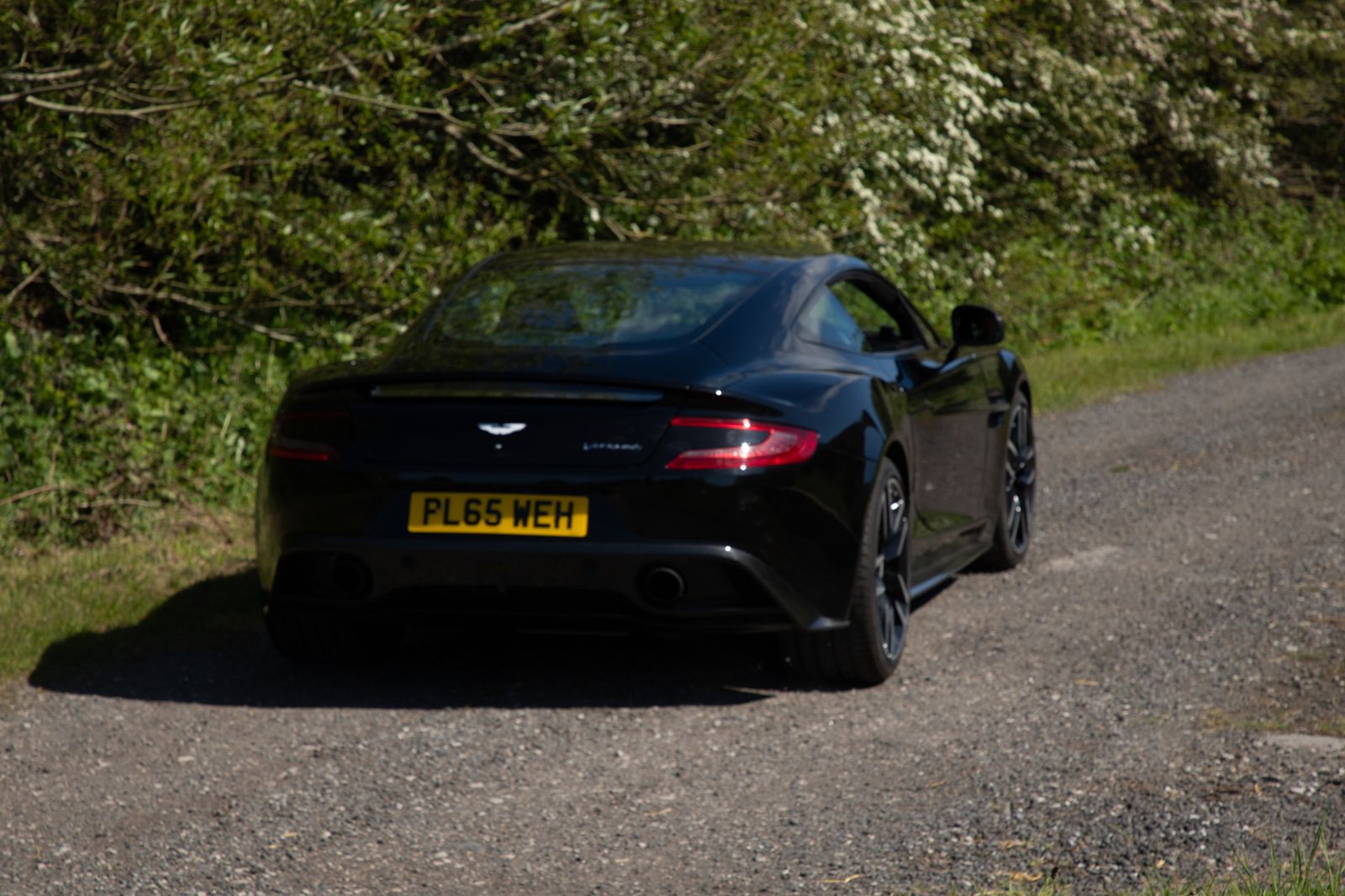
Plate detection runs as part of the cull. Every plate found is listed beside the photo with a thumbnail, so you can see what was detected and remove the blur on any you want kept — per photo, not per shoot. Faces work the same way. The blur is applied on export, so your originals keep the registration if you ever need it.
It exists because I got tired of doing it by hand for classic-car clients, several of whom care a great deal about their registrations.
Vantage is in beta, and no automatic detector is perfect — a plate at a sharp angle, half-shadowed or partly obscured can be missed. Glance over the final set before it goes public. That’s good practice with any tool, and it takes seconds when the software has already done the other sixty-nine.
Try it on your next shoot
Vantage runs on your own Mac or PC — your originals never leave your machine unless you choose to back them up. Free to start, and it’s in beta, so you’ll be shaping it.
Download Vantage See pricingCommon questions
Should I blur number plates in car photos?
For private sellers, customer cars on social media and valuable or personalised registrations, yes — default to blurring. For trade listings and motorsport, usually not. Agree it per client rather than deciding photo by photo.
Is a number plate personal data?
Many photographers treat it that way for consumer-facing work, because a registration identifies a vehicle and often, indirectly, a person. That's a sensible default rather than legal advice — if you shoot at volume, get a proper opinion and put the answer in your contract.
How do I blur plates without it looking obvious?
Use an even, consistent blur across the whole plate rather than a hand-painted smudge, and apply it at export so your masters keep the original. A uniform blur reads as a deliberate privacy choice.
Can software blur plates automatically?
Yes. What matters is whether you can see what it detected and override it per photo — automatic blurring you can't inspect is worse than none, because you can't tell when it missed one.