Vantage vs Aftershoot: an honest comparison from the people who built one of them
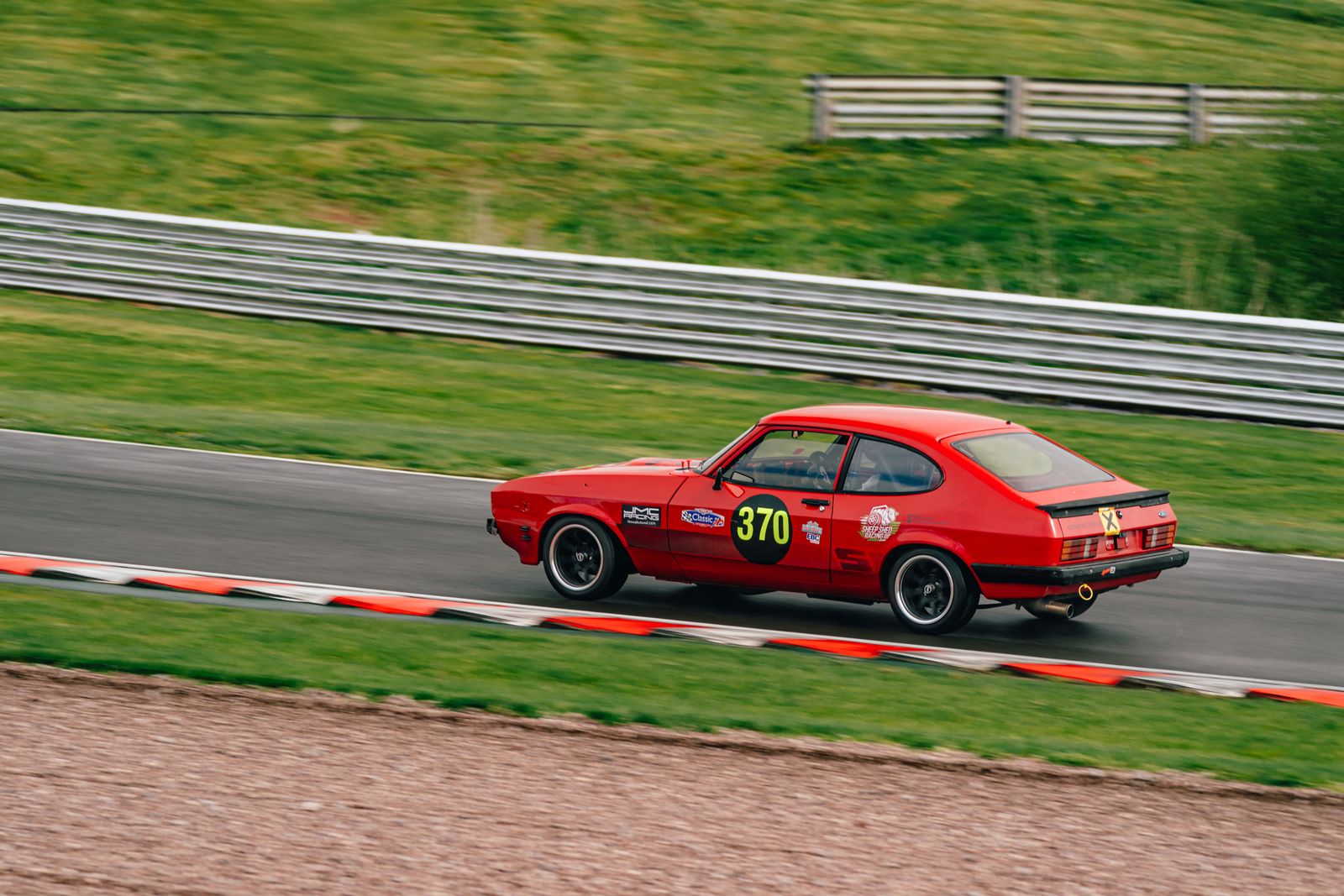
I build Vantage, so treat this page as what it is: one vendor describing a competitor. I’ve tried to be straight, including about where Aftershoot is the better buy — but you should verify anything that matters to you directly with them, and try both before you commit.
Both products change constantly, and pricing especially. I’ve deliberately not quoted Aftershoot’s prices or feature list in detail here, because anything I write will be out of date within months and I’m not the right source for it. Check aftershoot.com for their current offer. Vantage is £8.99/month, everything included.
The short version
| Aftershoot | Vantage | |
|---|---|---|
| Best for | Wedding and portrait photographers culling very high volumes | Automotive, motorsport and property photographers |
| Maturity | Established, years in market, large user base | Beta. Newer, smaller, actively being shaped by testers |
| Trained on | Very large volumes of wedding and portrait work | Automotive first — the founder's own motorsport and classic-car shoots |
| Scope | Culling and editing, deeply developed | Cull, grade, plate and face blur, client galleries, in one subscription |
| Track record | Proven at scale across thousands of photographers | Unproven at scale. Honest answer: not yet |
When Aftershoot is the right choice
Genuinely, and not as a rhetorical move:
- You shoot weddings. This is what Aftershoot was built for and it has seen an enormous number of weddings. Closed eyes, group shots, the emotional beat in a burst during a speech — that’s their home ground, and it isn’t ours.
- You need it to work today, at volume, with no surprises. A mature product with a large user base has had its rough edges found by other people. Vantage is in beta; you would be one of the people finding them.
- You want to match a personal editing style closely. Learning an individual photographer’s editing taste in depth is something they’ve invested years in.
- You need an established support and community structure. Ours is me, answering emails.
When Vantage is worth a look
- You shoot cars. Everything in the culling logic assumes the subject is a vehicle: walkaround grouping, sharpness judged on the badge and near wheel rather than the whole frame, panning shots not penalised for their blurred backgrounds, number-plate detection with per-photo blur. If your work is automotive, a tool trained on faces is solving a different problem.
- Number plates matter to you. Detection, per-photo blur, a thumbnail of every plate found so you can un-blur the ones you want kept. If you do listings or post customer cars publicly, this is a daily task, not a feature.
- You want the whole job in one place. Cull, grade, blur, then a private client gallery — one subscription, no per-shoot fees or separate delivery platform.
- You want a say in it. Beta cuts both ways. It means rough edges, and it means the person who wrote the culling logic will read your email and quite possibly change it.
- Your originals must stay local. Culling runs on your machine. Nothing is uploaded unless you choose cloud backup or publish a gallery.
If you shoot weddings, buy the tool built for weddings. I’d rather tell you that than sell you something that will disappoint you.
The genre question, plainly
AI culling quality comes overwhelmingly from what the model has been shown. Aftershoot has been shown a great many weddings. Vantage has been shown a great many cars — mine, mostly, from circuits and classic-car jobs — which is why it knows a low front three-quarter from a rear pan, and why it can tell a badge-sharp frame from a gravel-sharp one.
Neither approach is cleverer. They are pointed at different subjects. Pick the one pointed at yours.
What we haven’t proven yet
To be explicit, because a comparison page that only lists strengths is marketing:
- Vantage is in beta and has a small user base. Aftershoot has neither of those problems.
- Weddings, portraits and events are earlier-stage in Vantage than automotive work, and the app labels them that way rather than pretending otherwise.
- We have no large-scale independent accuracy comparison against Aftershoot, so I’m not going to publish a number implying one. If you want to know which culls your work better, run both over the same shoot — that’s the only benchmark that means anything.
Try it on a real shoot
Free to start, runs on your Mac or PC, and it takes one folder from one job to find out whether it suits your work. If it doesn’t, tell me why — that’s useful too.
Download Vantage See the wider landscapeCommon questions
Is Vantage a replacement for Aftershoot?
For automotive, motorsport and listing work, it's built for the job in a way a wedding-trained tool isn't. For weddings and portraits at volume, Aftershoot is the more mature and better-suited product, and we'd rather say so.
Can I try both?
Yes, and you should. Run each over the same folder from a real shoot and compare what they hand back. Vendor comparison pages — including this one — are no substitute for ten minutes on your own files.
Does Vantage blur number plates and faces?
Yes. It detects both and can blur them on export, per photo, listing every detection with a thumbnail so you can un-blur any you want kept.
Is Vantage really in beta?
Yes, and we say so on the site, in the app on first launch, and here. It means real rough edges, and it means direct influence over what gets built next.