Aftershoot alternatives: the honest options, including when to stay put
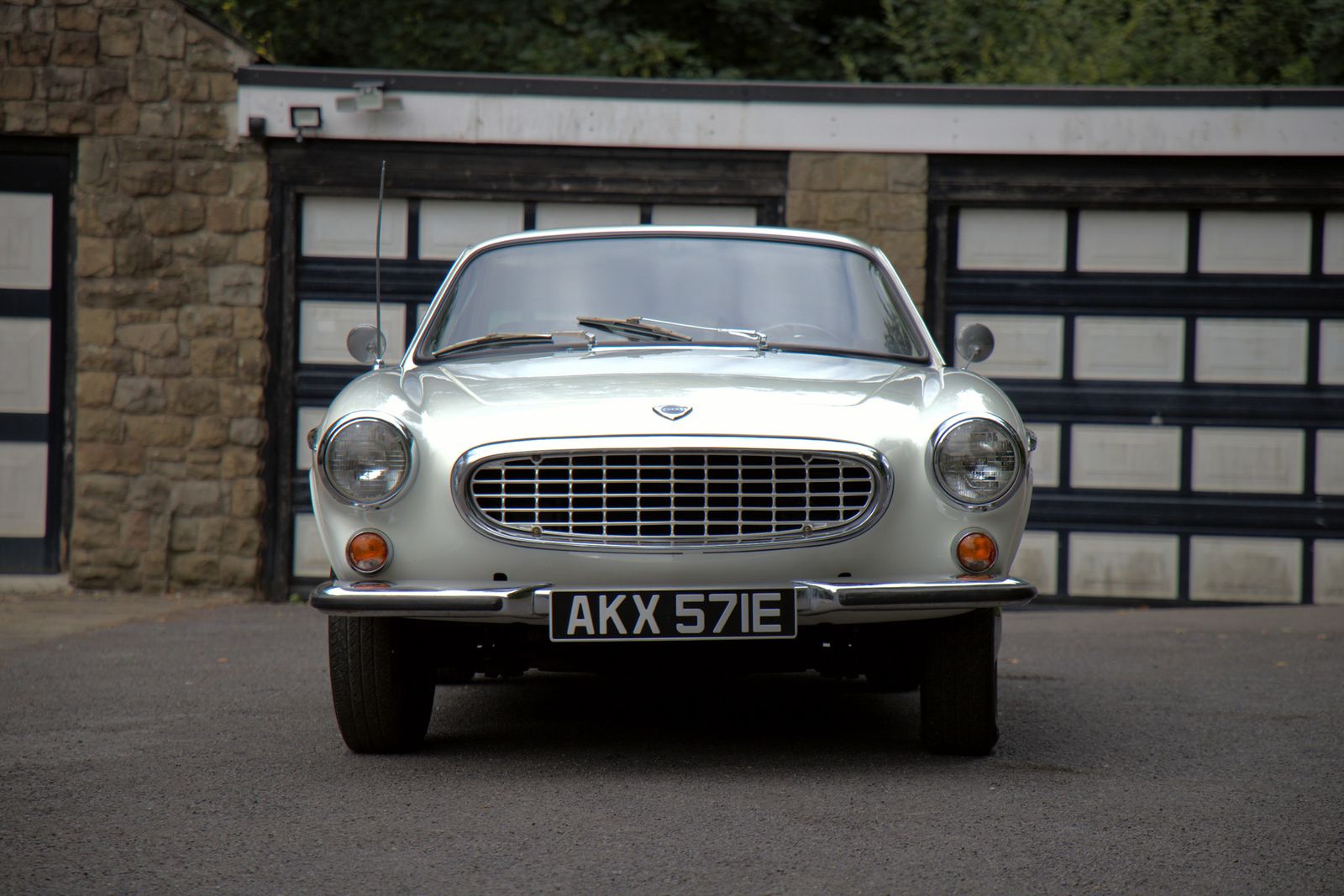
People look for Aftershoot alternatives for a handful of specific reasons, and the right answer is different for each. Before the list, work out which one you are — because in one of these cases the correct advice is to stay where you are.
First: why are you looking?
- “It doesn’t understand my subject.” You shoot cars, sport, wildlife, property — something other than people — and the picks feel arbitrary. This is the most fixable reason, and it points at a genre-matched tool.
- “It’s too expensive for my volume.” Points at pricing model rather than product. Work out your busiest month under each option.
- “I want to keep deciding.” Points at assisted-review tools rather than automation.
- “I need editing and delivery too.” Points at scope.
- “I don’t want my clients’ files uploaded.” Points at anything that culls locally.
- “It gets my style wrong.” If you shoot weddings and this is your only complaint, the honest advice is usually to keep training it rather than switch. Style learning takes input.
The alternatives, by what they’re for
If you shoot cars, motorsport or listings — Vantage
Ours, so discount accordingly. Trained on automotive work rather than weddings: walkaround grouping, sharpness judged on the subject so panning shots aren’t penalised for their blurred backgrounds, number-plate detection with per-photo blur, plus grading and client galleries in one £8.99/month subscription. Culling runs locally. In beta with a small user base — the direct comparison is here, including where Aftershoot is the better choice.
If you want to keep making the calls — Narrative Select
Built around fast human review rather than automation, strong on faces, eyes and focus. If your objection is philosophical rather than practical, this is the shape of tool you want. More on that difference here.
If you want another automated culler for people-work — FilterPixel
Occupies broadly similar ground to Aftershoot for weddings and portraits, including niche landing pages for sports work. Worth a trial precisely because how these tools read your particular style varies more than the marketing suggests.
If editing is the real problem — Imagen
Focused on learning and applying your grade at volume, with culling alongside. Often used with a separate culling tool rather than instead of one.
If you want search and organisation — Excire
Leans towards finding and organising images in a large library rather than culling a single shoot. Different job; useful if your actual pain is “where is that photo” rather than “which of these forty.”
If you don’t want AI at all — Photo Mechanic
Still the fastest manual culling experience there is, and the honest answer for anyone who thinks selection is the craft. Compared properly here.
When switching is a mistake
Three cases, said plainly:
- You shoot weddings and it's mostly working. Aftershoot has seen an enormous number of weddings. Switching to something newer for a marginal complaint usually trades a known tool for an unknown one.
- You haven't given style learning enough input. These systems need material. Judging one after a couple of shoots is judging it before it's ready.
- The real problem is upstream. If you're shooting three times as many frames as you need, no culling tool fixes that — it just processes the excess faster.
How to test any of them properly
- Use a shoot you've already culled. You know the answer, so the comparison means something.
- Look at the reject pile, not the picks. Every tool's selections look plausible. Whether your favourites are in the bin is the revealing question.
- Time the whole job including corrections. Instant-but-wrong is slower than slower-but-right.
- Test your worst shoot. Bad light, mixed subjects, end of a long day. That's where these tools actually differ.
I’ve deliberately not quoted anyone else’s prices. They change, and a stale number from a competitor is worse than no number. Check each vendor. Vantage is £8.99/month with everything included, which is the only figure here I can stand behind.
Try it on your next shoot
Vantage runs on your own Mac or PC — your originals never leave your machine unless you choose to back them up. Free to start, and it’s in beta, so you’ll be shaping it.
Download Vantage See pricingCommon questions
What is the best alternative to Aftershoot?
It depends on why it isn't fitting. For automotive and motorsport, a genre-matched tool like Vantage. To keep making the calls yourself, Narrative Select. For another automated culler for weddings, FilterPixel. For no AI at all, Photo Mechanic.
Is there an AI culling tool for car photography?
Vantage is built automotive-first — walkaround grouping, subject-based sharpness that doesn't penalise panning shots, and number-plate detection with per-photo blur. Most other culling tools are trained primarily on weddings and portraits.
Should I switch culling software?
Not if you shoot weddings and your current tool is mostly working, not if you haven't given style learning enough material yet, and not if the real problem is shooting far more frames than you need.